Cloud Notes
A Markdown notes app: rich-text editing, inline images, Markdown paste and nested groups — everything in one place.
Cloud notes: categories, groups, documents
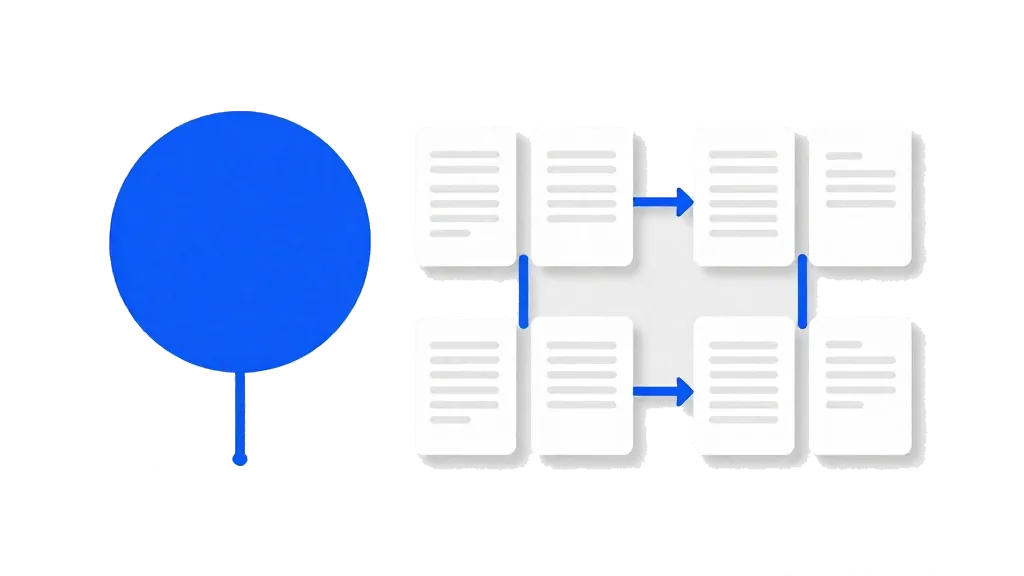
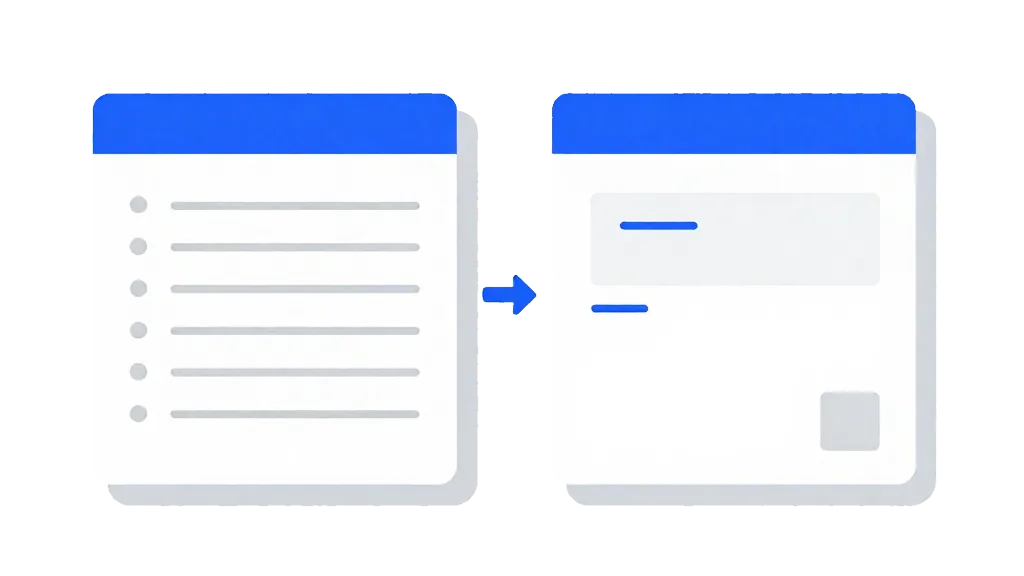
The more you write, the harder it is to find things. Cloud notes gives you three levels — category → group → document — so study, work and personal notes stay apart, with sub-groups when a topic grows.
Rich-text editing: headings, lists, quotes and code
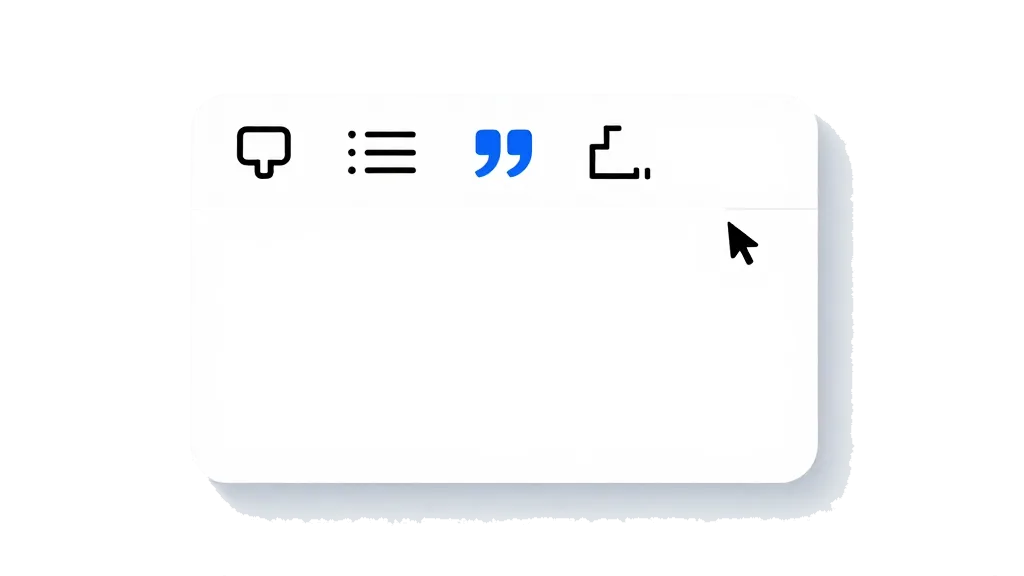
Headings, bold, italic, underline and strikethrough, ordered and unordered lists, quotes — and code blocks with one-click copy. Good for meeting notes, research and code snippets.
Inline images and attachments
Images sit inside the text and flow with your writing; other files — PDFs, archives — ride along as attachments, ready when you need them.
Markdown paste: already formatted when it lands
Copy Markdown from anywhere — an AI answer, a README — and paste it in: headings, lists and code blocks are converted for you, with no reformatting by hand.
Search and trash: find it, recover it
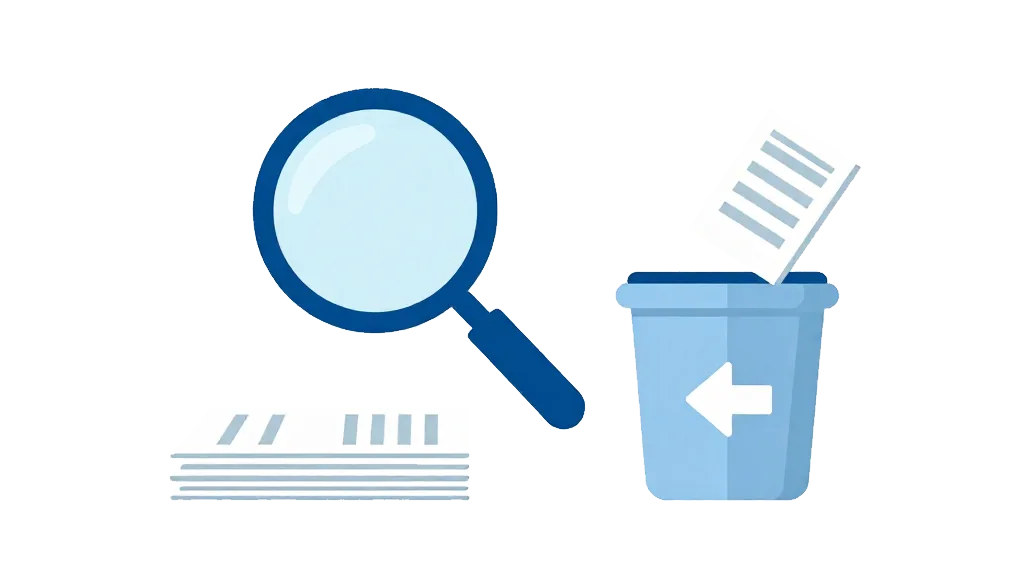
Search matches titles and body text, so a few characters bring the note back. Deleted notes go to the trash first, so a mistake is never final.
Sync across devices, grow your own knowledge base
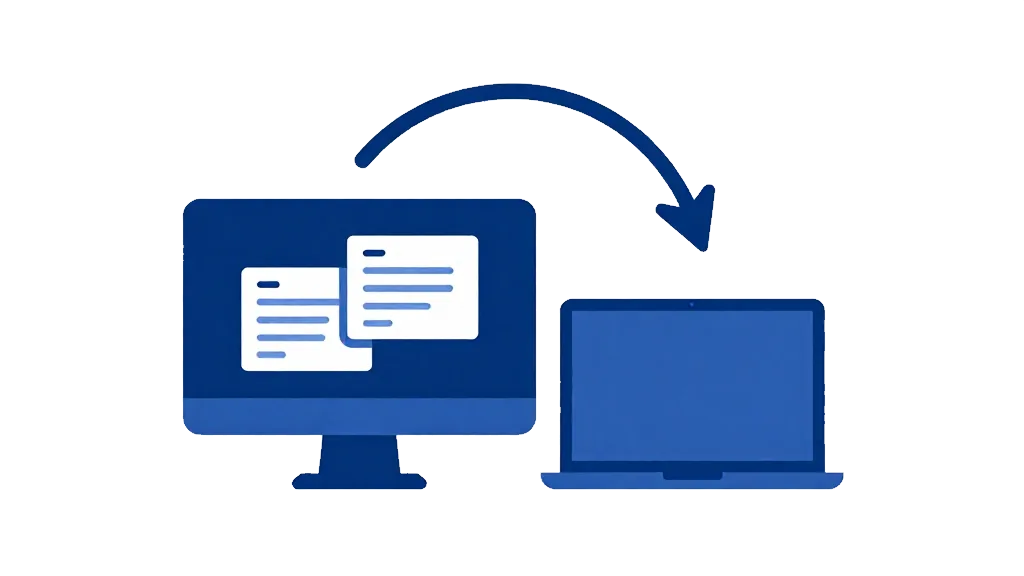
Sign in and your notes sync across machines — log in on another computer and carry on writing. Over time it stops being a notepad and becomes your knowledge base. Cloud notes is not about gimmicks: it is about writing it down, finding it again, and never losing it.