Desktop Alarm Clock
Everything you want from a desktop alarm clock app: timed reminders, intervals and recurring tasks.
A desktop alarm clock that just rings
Create an alarm and pick a time: fire once, or repeat daily / weekly / monthly / yearly. For anything important, add an advance reminder — say, a first ring 10 minutes before the meeting. When it fires, a separate always-on-top reminder window appears, so you do not have to keep watching the screen.
Timed reminders: intervals and active hours
Beyond fixed times, set interval reminders — “remind me to drink water every 45 minutes”, “nudge me to move every 2 hours”. You can also limit a task to certain hours, e.g. only 9:00–18:00 on weekdays, so it stays quiet during your time off.
Recurring reminders with start and end dates
A task can carry both a repeat rule and a start/end date: things like “submit the weekly report every Wednesday 19:00” only need to be set up once. Tasks can be organised by category and group, with priority and pinning to sort out what comes first.
A reminder window you can actually act on
When a timed reminder fires, the reminder window stays on top, so nothing covers it; it can play a sound or stay muted. System tasks such as scheduled shutdown or scheduled run come with a countdown confirmation (run now / cancel), so nothing fires by accident.
Many alarms at once, next one at a glance
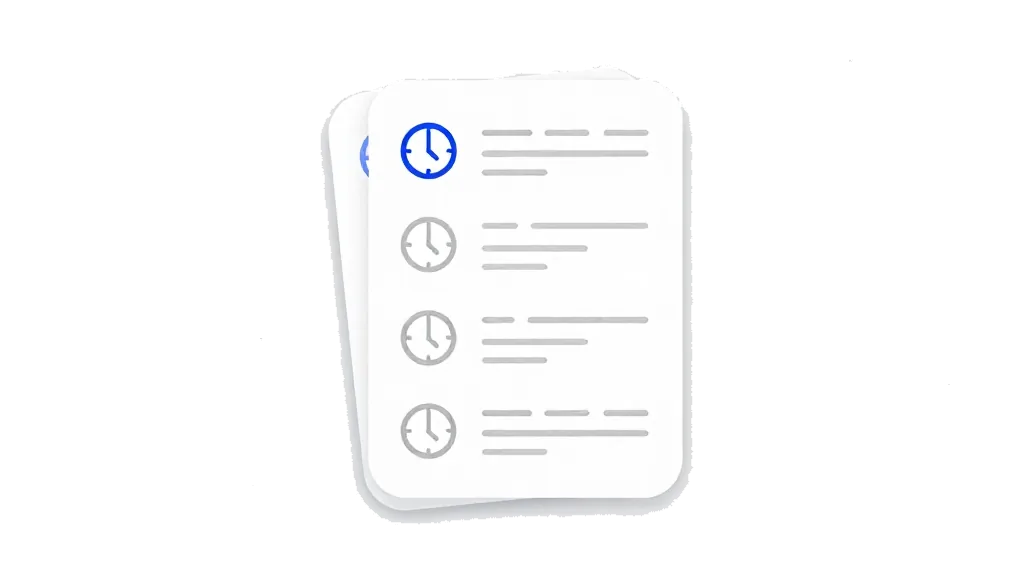
Keep as many alarms and reminders as you need. The list shows friendly relative times — “soon / in 5 minutes / in 3 hours / in 3 days” — so you can see what is next without doing the maths.
More than an alarm clock
Alarms, interval reminders, recurring tasks and the reminder window all live in one module, set up once and left to run. If all you want is an unobtrusive desktop alarm clock: set the time, get reminded, and forget about the rest.